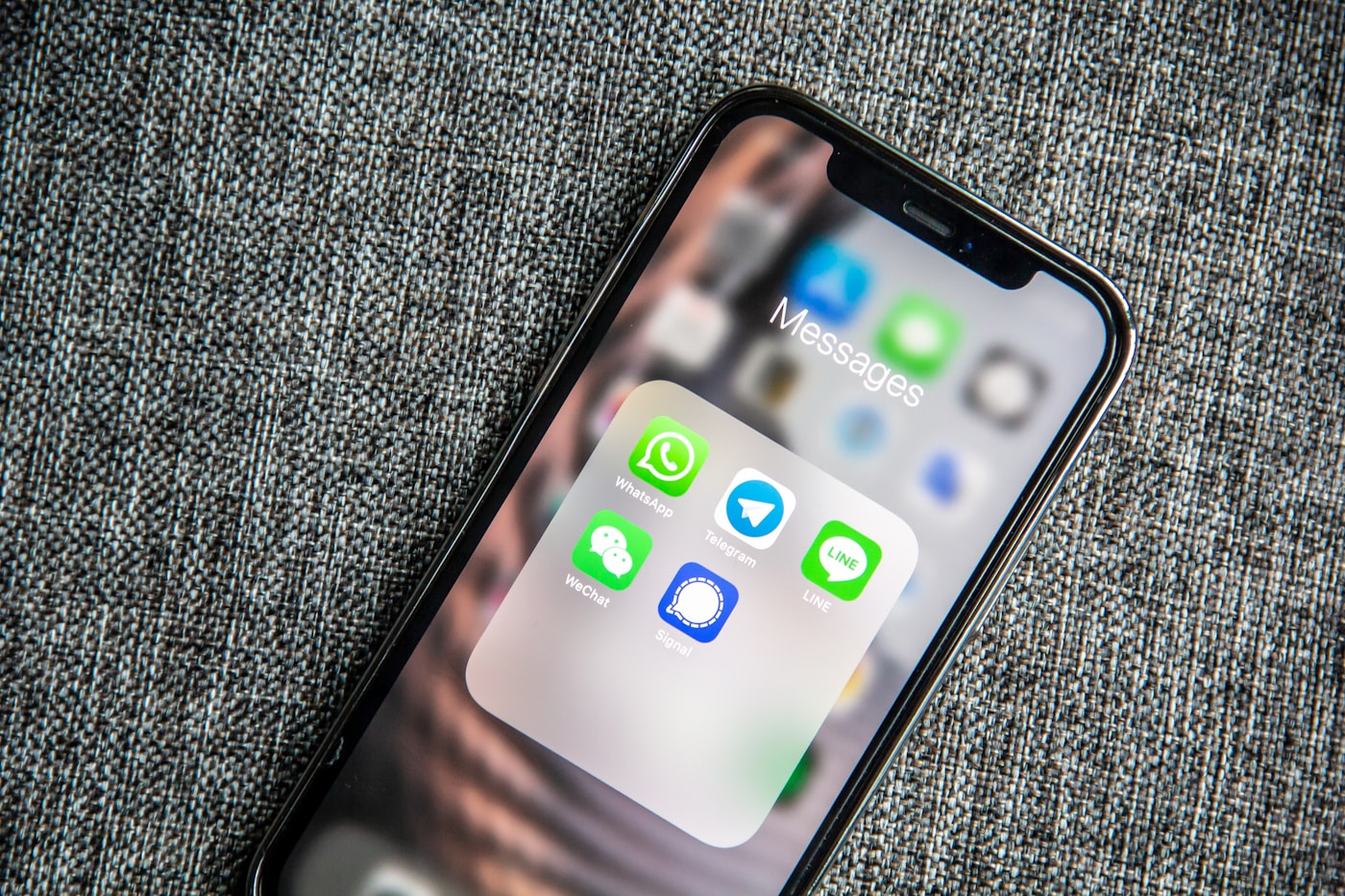
In West Africa, WhatsApp is not an alternative booking channel — it is the primary one. The majority of hotel and guesthouse bookings in Freetown, Accra, Lagos, and Nairobi originate from a WhatsApp message. The problem is that most properties handle these messages manually, inconsistently, and without any system. Enquiries get missed. Follow-ups don't happen. Revenue walks out the door.
Here's how to transform WhatsApp from a chaotic inbox into a structured booking engine — in 24 hours, without any technical expertise.
Step 1: Set Up WhatsApp Business (Free, 30 Minutes)
If you're still using a personal WhatsApp number for bookings, stop. WhatsApp Business is a free app that adds professional features to a standard number:
- Business profile: Add your hotel name, address, description, website, and check-in/check-out hours. This appears when someone first messages you.
- Catalogue: List your room types with photos, prices, and descriptions. Guests can browse and select before messaging.
- Quick replies: Save frequently-sent responses (availability confirmation, room rates, directions) and trigger them with a single keystroke. Saves 3-5 minutes per enquiry.
- Away message: Automatically reply to messages outside your operating hours with your check-in information and a promise to respond by a specific time.
- Greeting message: First-time contacts receive an automatic welcome message and next steps.
Step 2: Create Your Booking Message Templates
A booking system lives or dies on consistency. Create 5 saved templates that cover 90% of your booking conversations:
- Initial availability response: "Hello [Name], thank you for your interest in [Hotel Name]. We have [room type] available for [dates] at [rate] per night. Includes [breakfast/WiFi/etc.]. To confirm your booking, we require a [X%] deposit of [amount]. Shall I hold this for you?"
- Booking confirmation: "Your booking is confirmed for [dates], [room type]. Check-in: [time], Check-out: [time]. Deposit received: [amount]. Balance due at check-in: [amount]. We look forward to welcoming you."
- Payment instructions: "To confirm your booking, please send your deposit to: [Mobile Money/Bank details]. Reply with your payment receipt and I will confirm within 1 hour."
- Directions message: Your standard directions from the airport/city center, with a Google Maps link if possible.
- Check-in reminder: Sent 24 hours before arrival — check-in time, parking information, any special instructions.
Step 3: The Booking Tracking Sheet
Every booking confirmed via WhatsApp should be logged in a simple Google Sheet with 6 columns:
- Guest name and WhatsApp number
- Room type booked
- Check-in and check-out dates
- Total value and deposit received
- Balance due (formula: total - deposit)
- Status: Pending / Confirmed / Checked In / Completed / Cancelled
This takes 2 minutes per booking to complete and eliminates double-bookings, forgotten balances, and lost reservation records — the three most common and costly mistakes in manually managed hotels.
Step 4: The WhatsApp Link on Every Surface
Create a direct WhatsApp link that pre-fills a booking enquiry message: https://wa.me/[your-number]?text=Hello%2C%20I%27d%20like%20to%20check%20availability%20at%20your%20hotel
Place this link on:
- Your website — a floating green button in the bottom corner
- Your Google Business Profile (the Contact button)
- Your Instagram bio
- Any booking.com or TripAdvisor listing — in the property description
- Your email signature
Every surface that carries your WhatsApp link becomes a booking intake point. The pre-filled message reduces friction — the guest doesn't have to think about what to write.
Step 5: Automate the Follow-Up
The highest-value automation you can add is a follow-up message to enquiries that don't confirm within 24-48 hours. In WhatsApp Business, you can schedule messages to specific contacts. A simple follow-up: "Hello [Name], just checking if you had any questions about your upcoming stay. Rooms are filling for [their requested dates] — happy to hold for another 24 hours if needed."
Across multiple hotels that have implemented this, the 24-hour follow-up converts an additional 20–30% of open enquiries into confirmed bookings. That's revenue that was already walking out the door — now recaptured with a 2-minute message.
What This System Looks Like After 30 Days
A guesthouse in Freetown that implemented this system in January 2026 reported:
- Average response time: 6 hours → 12 minutes
- Enquiry-to-booking conversion: 28% → 44%
- Missed enquiries (no reply): 18% → 2%
- Monthly bookings: 9 → 14
No new software. No monthly subscriptions. A free app, 5 saved message templates, and a Google Sheet.